Reading progress and sync
Panels keeps track of your progress in each individual file, along with the time you've spent reading and other details like the default reader preset for that comic.
This is what we call a reading session. Sessions are what drive the Reading Now tab.
Syncing across devices
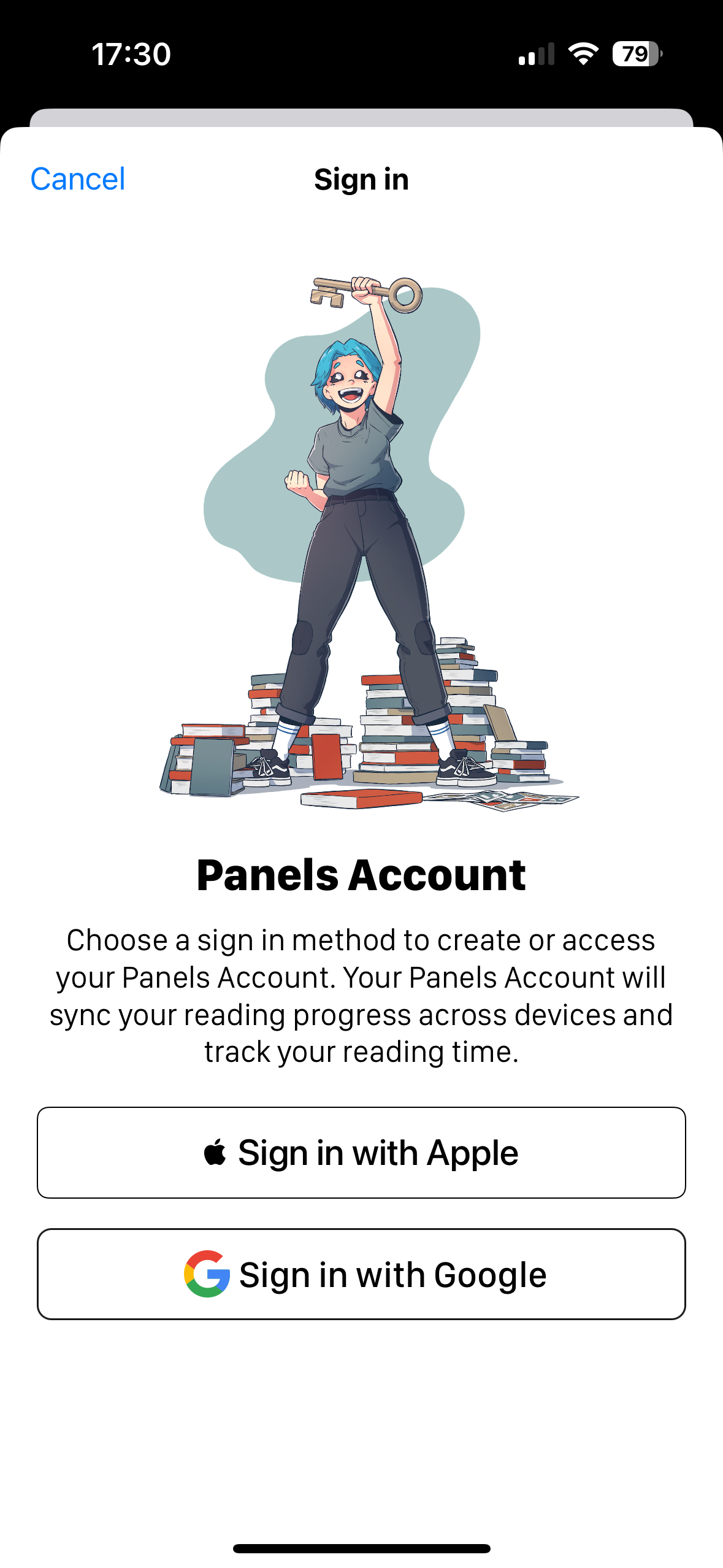
Reading sessions sync automatically through your Panels account. Sign in with the same account on every device and that's all there is to it — there's nothing to export or transfer by hand.
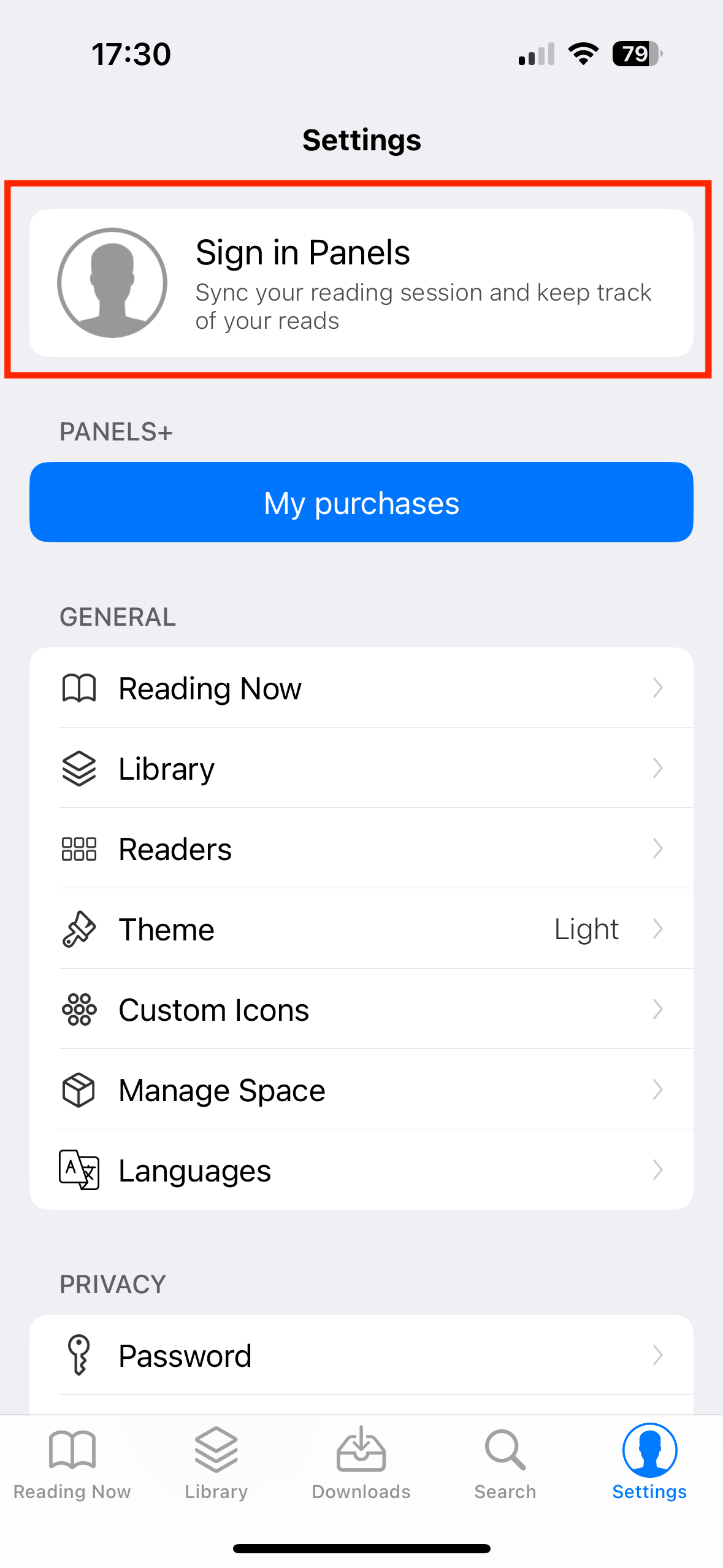
To sign in, open the app Settings and tap the first row. You can use either Google or Apple sign-in.
Moving to a new device? Sign in on the old one first and let it finish uploading, then sign in on the new one. See moving to a new device.
Keeping a comic out of Reading Now
If you'd rather a particular comic didn't show up in Reading Now, use Incognito mode. The session is still recorded, but it's marked hidden.
Syncing your content
Reading sessions cover your progress, not your files. To have the comics themselves available everywhere, use an iCloud Drive library or your own OPDS server.